Change license - Rest PKI
In order to run an on premises instance of Rest PKI, you need a license for the Lacuna PKI SDK, which is configured during the setup procedure.
If you need to change the license afterwards, follow the steps below:
- Sign in as administrator on your instance of Rest PKI (if you have lost the password, see the article Recover administrator password)
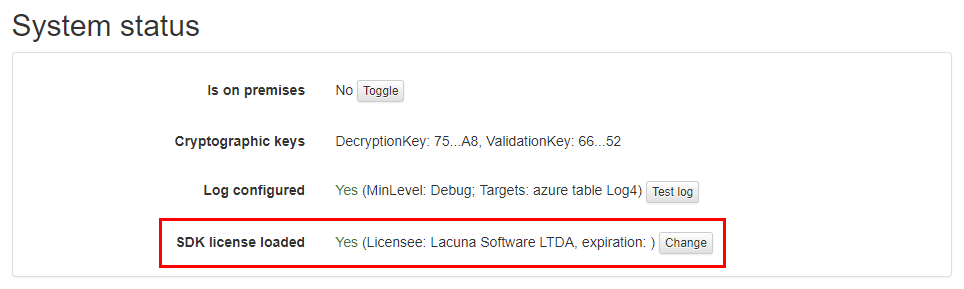
- On the top menu, click on Administration > System status
- On the item SDK license loaded, click on the button Change
- Locate on the file LacunaPkiLicense.txt the binary license, under the section "Binary license content (Base64-encoded)"
Binary license content (Base64-encoded)---------------------------------------AxAA........................................iw==^^^^^^^^^^^^^^^^^^^^^^^^^^^^^^^^^^^^^^^^^^^^^^^^
- Copy and paste the entire line, and then click on Configure license